Simple Godot Analog Clock Asset
A downloadable asset pack
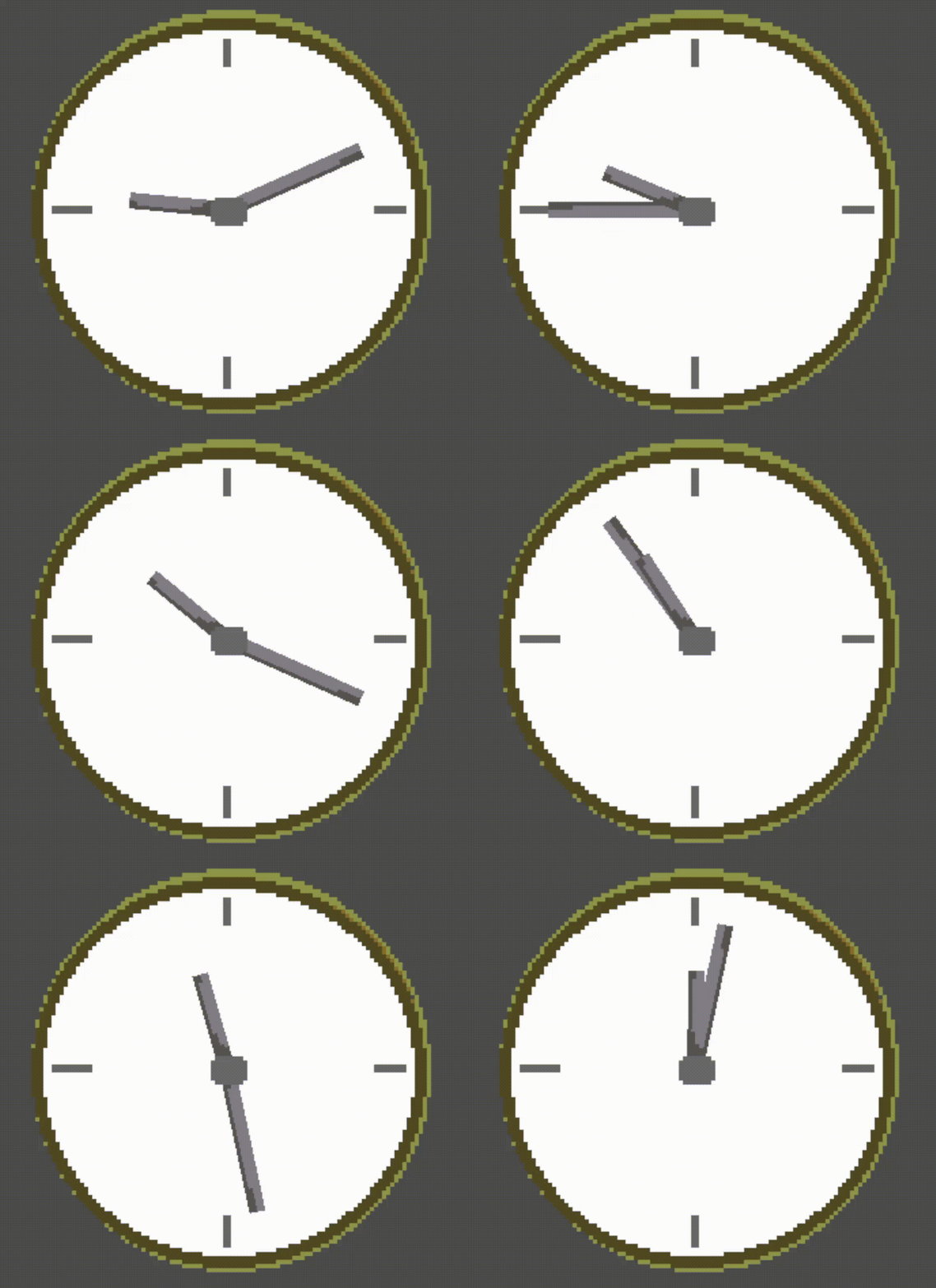
A flexible, plug-and-play analog clock asset for Godot 4.x. Just drop the scene into your project, set the speed, and go!
This pack includes everything you need to get started:
- Godot Scene (
.tscn): A pre-built scene with the clock face, hands, and timer all set up. - GDScript (
.gd): A clean, commented script with an exportedtime_scalevariable so you can control the speed from the Inspector. - Sprite (
.png): A ready-to-use pixel art clock face. - Aseprite Source File (
.aseprite): The original source file for the pixel art, so you can easily edit the colors or design to fit your own game.
Download
Install instructions
REQUIREMENTS:
- Godot Engine (v4.x or newer): This is an asset pack for the Godot Engine. You must have Godot to use it.
- Aseprite (Optional): The
.asepritesource file is included. You only need Aseprite if you want to edit the original pixel art.
HOW TO INSTALL & USE:
- Download & Unzip: Download the
.zipfile and unzip it. You will see four files:Clock.tscnClock.gdclock_face.pngREADME.md- (and the
.asepritefile)
- Copy Files to Your Project: Copy the
Clock.tscn,Clock.gd, andclock_face.pngfiles into your own Godot project's folder (yourres://folder). - Instance the Scene:
- Open the scene in your project where you want the clock to appear (e.g., your main game scene).
- Click the "Instance Child Scene" button (the chain-link icon) at the top of the Scene dock.
- Select the
Clock.tscnfile you just copied.
That's it! The clock will now appear in your scene. You can select the new Clock node to move it, and in the Inspector, you can change the Time Scale to make it run faster or slower.
For more detailed instructions on how to change the clock hands, please read the included README.md file!
Leave a comment
Log in with itch.io to leave a comment.